Time tracker for freelancers Every hour, with the receipt.
iPhone · iPad · Apple Watch · Mac · Android · Web
Tally Time Tracker finds the billable hours you forgot to track, then shows your client the pull requests, commits and meetings behind each hour, so they can see what they're paying for.
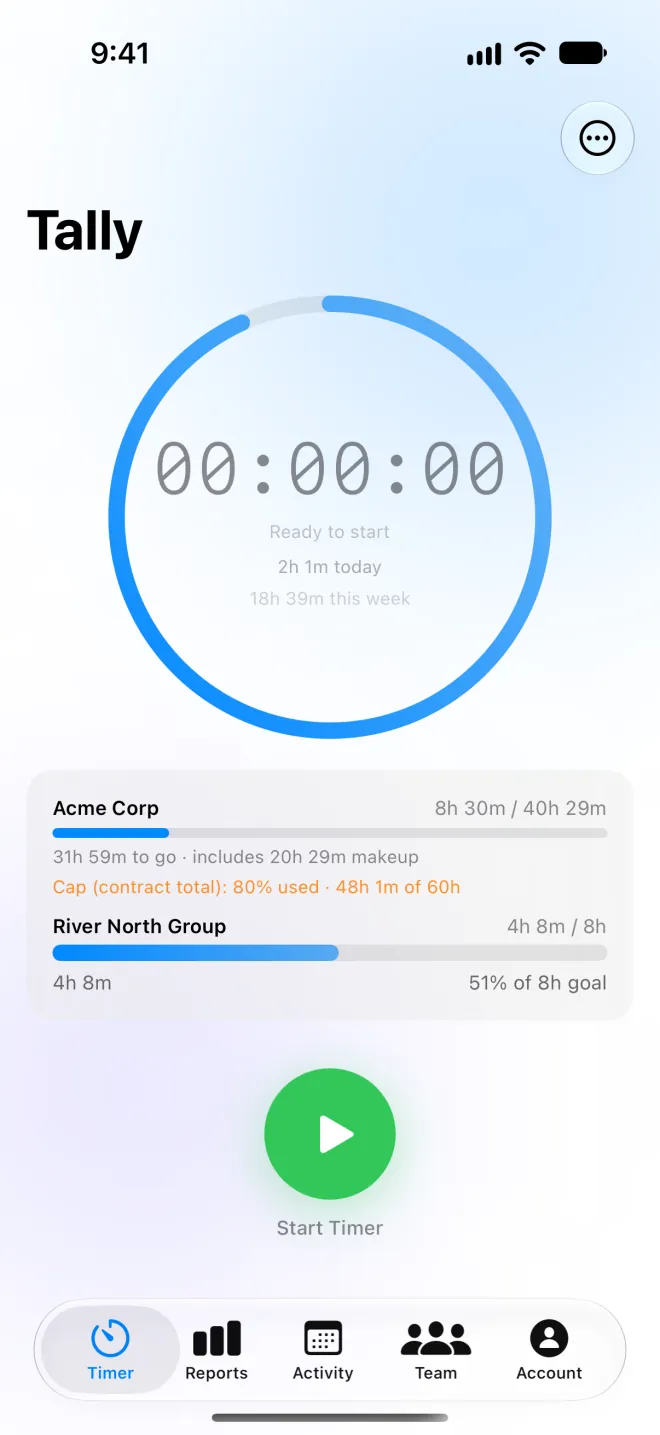
Start a timer on your iPhone, Mac or Watch. Forgot? Tally spots the commits, meetings and design saves with no time logged.
2
Log it to the ticket
Hours post to Jira, Linear, Notion, Asana and more when you save, with the work linked.
3
Send the proof
A live timesheet link and an invoice with a Stripe payment link. Your client sees the work, not just a number.
Timer
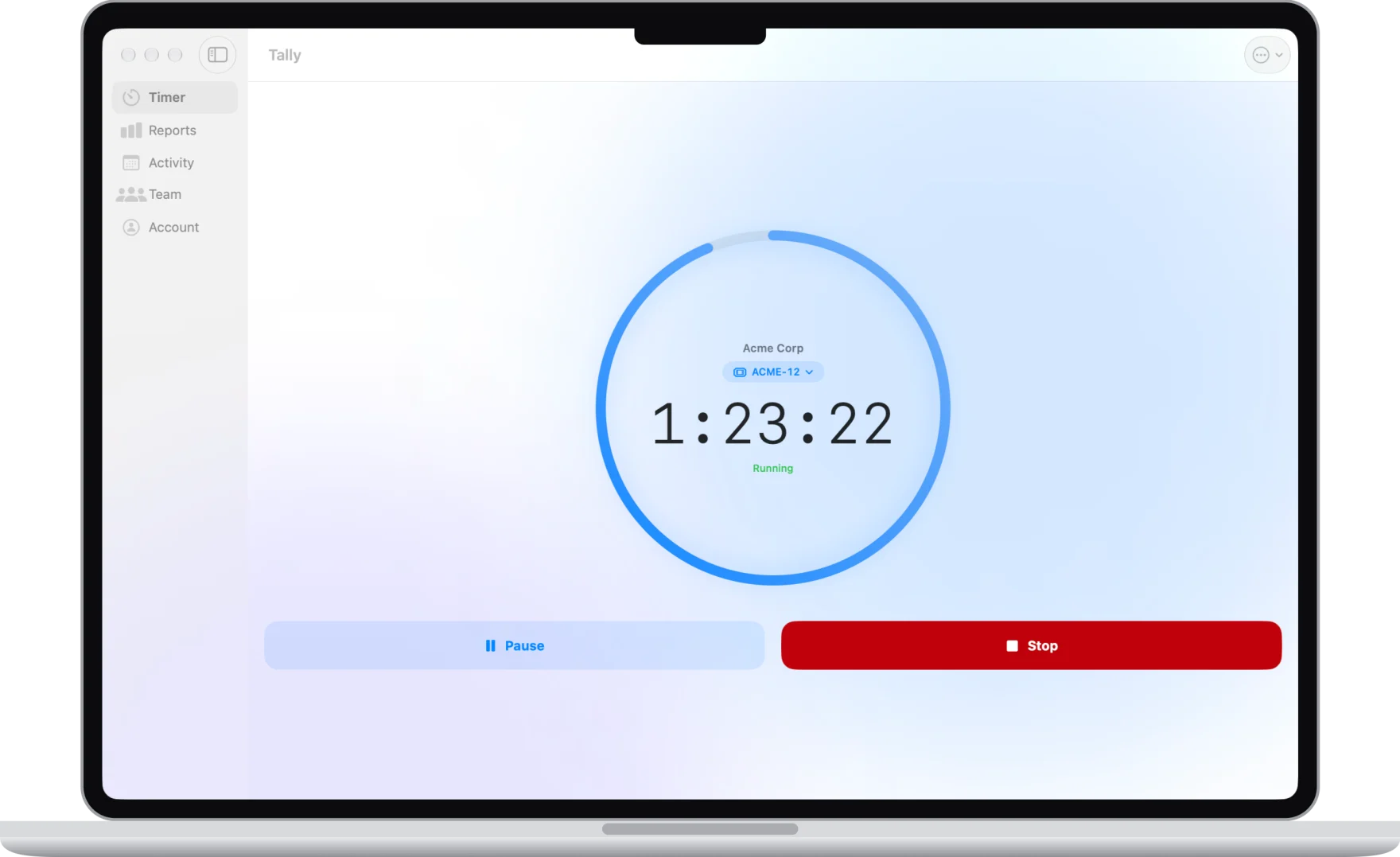
One tap starts the clock. Everywhere.
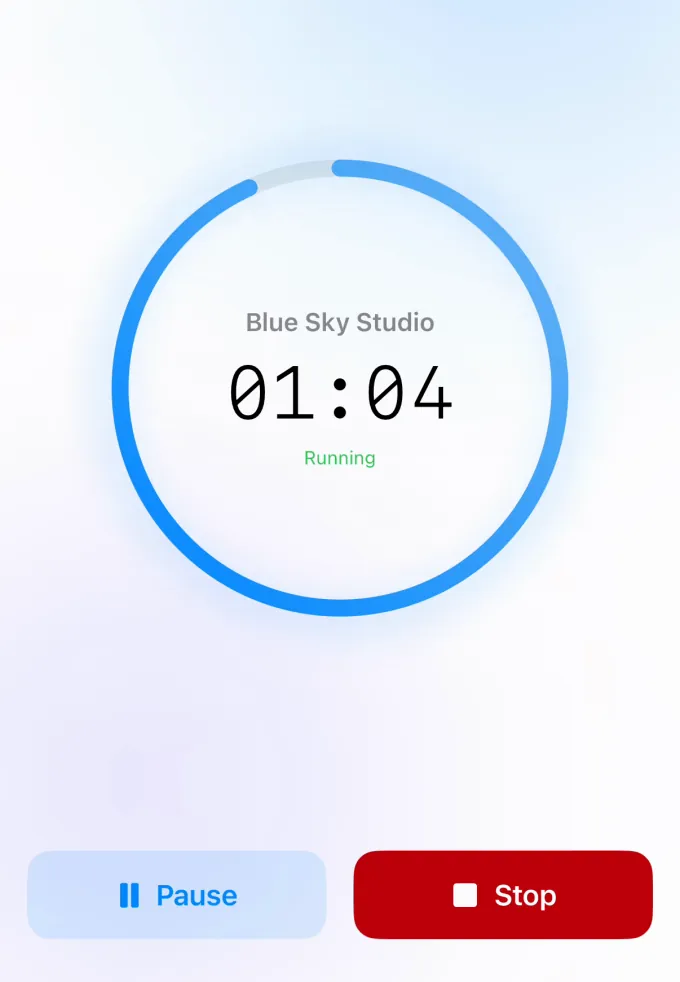
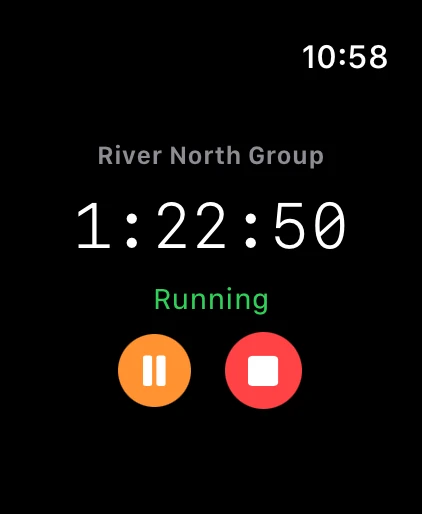
Start on your iPhone, stop on your Mac. The running timer stays on your lock screen, in the Dynamic Island, in widgets and on your Apple Watch.
Live Activity, widgets and Siri
Saves offline and syncs when you're back
Set a paused timer aside and start another
Jira, Linear and Notion
Your hours land on the ticket.
Pick a Jira ticket, Linear issue or Notion task and start the timer. When you save, Tally posts the time back to it, so there's no copying hours over on Friday.
Your open tickets, one tap away
A Jira worklog, or a comment on the Linear issue or Notion task
Free on every plan
Automatic tracking from GitHub
Forgot the timer? Tally noticed.
Connect GitHub and Tally suggests sessions from the commits and pull requests you already made, with the hours worked out. It never watches your screen. One tap adds the session, and each ticketed session shows the PRs and commits behind it.
Read-only, and never your code
You choose the repositories
Included with Premium
Automatic tracking from your calendar
Meetings you didn't time, found for you.
Connect your calendar and tell Tally which meetings are client work. Tally suggests a session for each past client meeting you didn't time. Change the hours if one ended early, then add it.
Google Calendar, or a link from Proton, Outlook or iCloud
Read-only, and your events aren't stored
Included with Premium
Client report links
Show your client a timesheet, not just a total.
Send a private link to a live timesheet of your hours by day and ticket. Your client needs no account, and you can turn the link off at any time. With notes shared, each ticketed session shows the PRs and commits behind it, so your client sees the work, not just the hours.
Choose notes, amounts and contract progress
Print or save as PDF
Replace the link with one tap
Contracts
Stay on top of your contract hours.
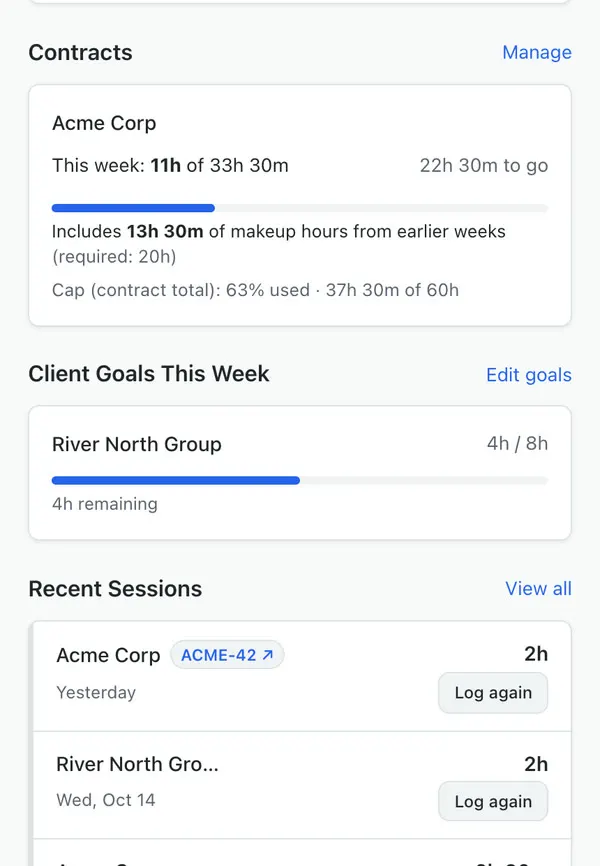
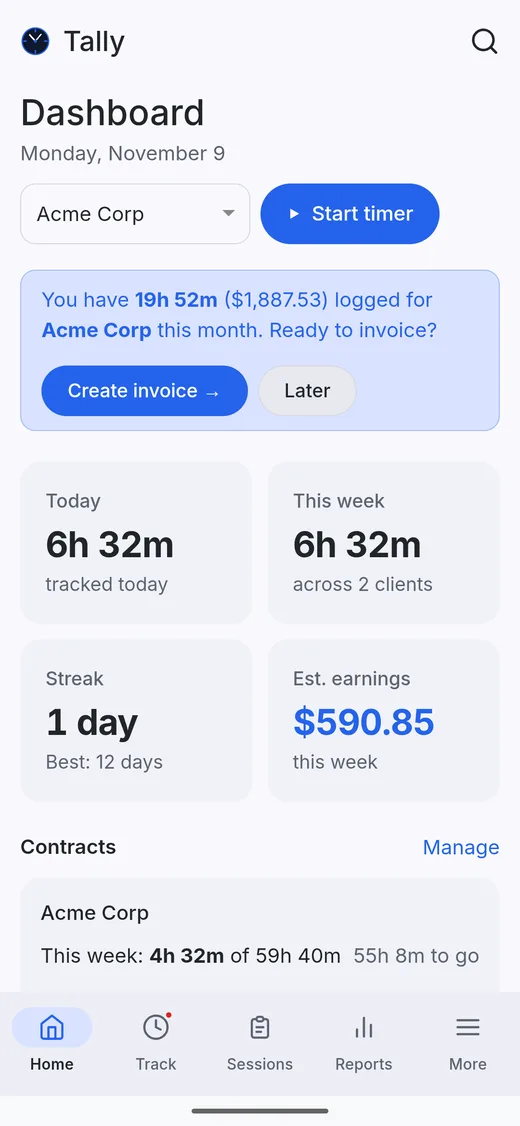
Promised 20 hours a week? Tally tracks the minimum, carries short weeks forward as makeup hours, and counts your time off so a vacation isn't a shortfall.
Weekly or monthly minimums and caps
Makeup hours and banked extra time
Warnings before a cap or end date
And more
Everything else you'd expect from a time tracker
Ask Claude
Connect Tally to Claude and ask "How many hours do I still owe Acme this week?" or "Log 2 hours to Acme." Only your own data.
Weekly recap
Every Monday: your billable hours, what they're worth at your hourly rates, and the time that looks untracked, ready to add.
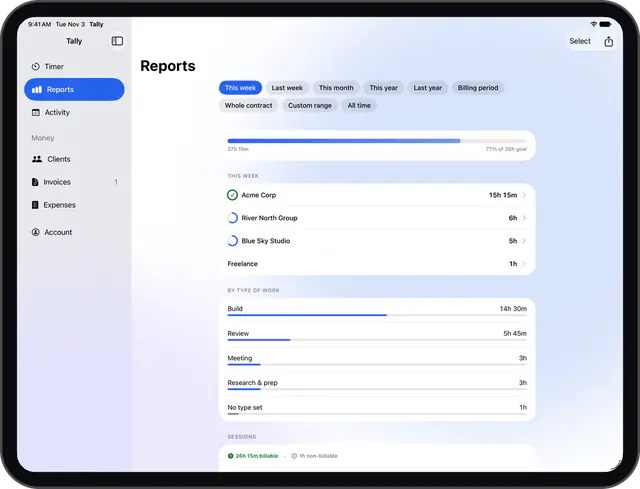
Reports and export
Weekly, monthly and billing-period reports, as a PDF. Premium adds years, whole contracts and spreadsheets.
Teams and invoices
Team contracts, member details, and admins who can fix a teammate's time. Send invoices with a Stripe payment link on Premium.
Smart reminders
Around 5pm on weekdays, only when it helps: a client meeting or GitHub or GitLab work with no time today, or a contract falling behind. On Premium.
API and webhooks
Connect Zapier, Make, n8n or your own scripts. Read and log time, and get a webhook when a session or timer changes. On Premium.
Set a team contract so everyone knows the hours they owe, see each member's sessions, and fix a teammate's time when they forget. Teams and invoicing are part of Premium, with a 2-week free trial on the yearly plan.
Nonprofit or volunteer program?
Food banks, after-school programs, PTAs and other nonprofits can use Premium free for 12 months, for the whole team. See if you qualify →
Free plan has no time limit · No credit card required · Your data is never sold or used for ads
$4.99 a month, or $39.99 a year (save 33%), renewing automatically until you cancel. New subscribers get a free trial: 2 weeks on the yearly plan, and 1 week on monthly in the iPhone, iPad and Mac apps. The store or checkout shows it before you pay. Cancel anytime. Premium includes everything in Tally, and each team member needs their own subscription. If you bought Pro as a one-time purchase before, it stays yours.
You'll be prompted to upgrade. On Free, you can see the last 7 days of session history — upgrading to Premium unlocks unlimited clients and your full session history going forward.
Yes, on every plan. Connect Jira in Settings, map each Jira project to a client, and start timers on your tickets from the web, iPhone, Mac or Apple Watch. When you save a session, the hours post to the ticket as a worklog.
Yes, on every plan. Connect Linear in Settings with a personal API key, link your teams to clients, and start timers on your Linear issues from the web, iPhone, Mac or Apple Watch. When you save, Tally adds a comment to the issue with the time and your note.
Only your own commits and pull requests in the repositories you choose: when you made them, the first line of the message, and any ticket key. Tally never reads or downloads your code and can't change anything on GitHub. Disconnect any time in Settings.
Your past events from the last two weeks, or up to 60 days if you choose to look back further (times, titles and guest email addresses) when you open your dashboard, for your weekly summary email, and (if meeting notifications are on) every few minutes to spot client meetings starting or ending, to suggest sessions for client meetings. Tally can't change your calendar and doesn't store your events. Only the sessions you add are saved. Disconnect any time in Settings.
A private report link: a live timesheet of your hours for that client by day and ticket, with optional notes, amounts and contract progress. Your client needs no account, and you can turn the link off or replace it at any time.
Fully standalone. Create a Tally Time Tracker account on the web and use it on its own. The iOS app syncs to the same account when you add it.
Yes. Premium includes team workspaces with team contracts (the hours each member owes, with makeup hours and an optional cap), member details and goals, and admins who can add or fix a teammate's time. Plus invoices with a Stripe payment link your client pays online. Each team member needs their own Premium subscription.