Time Tracker for Developers
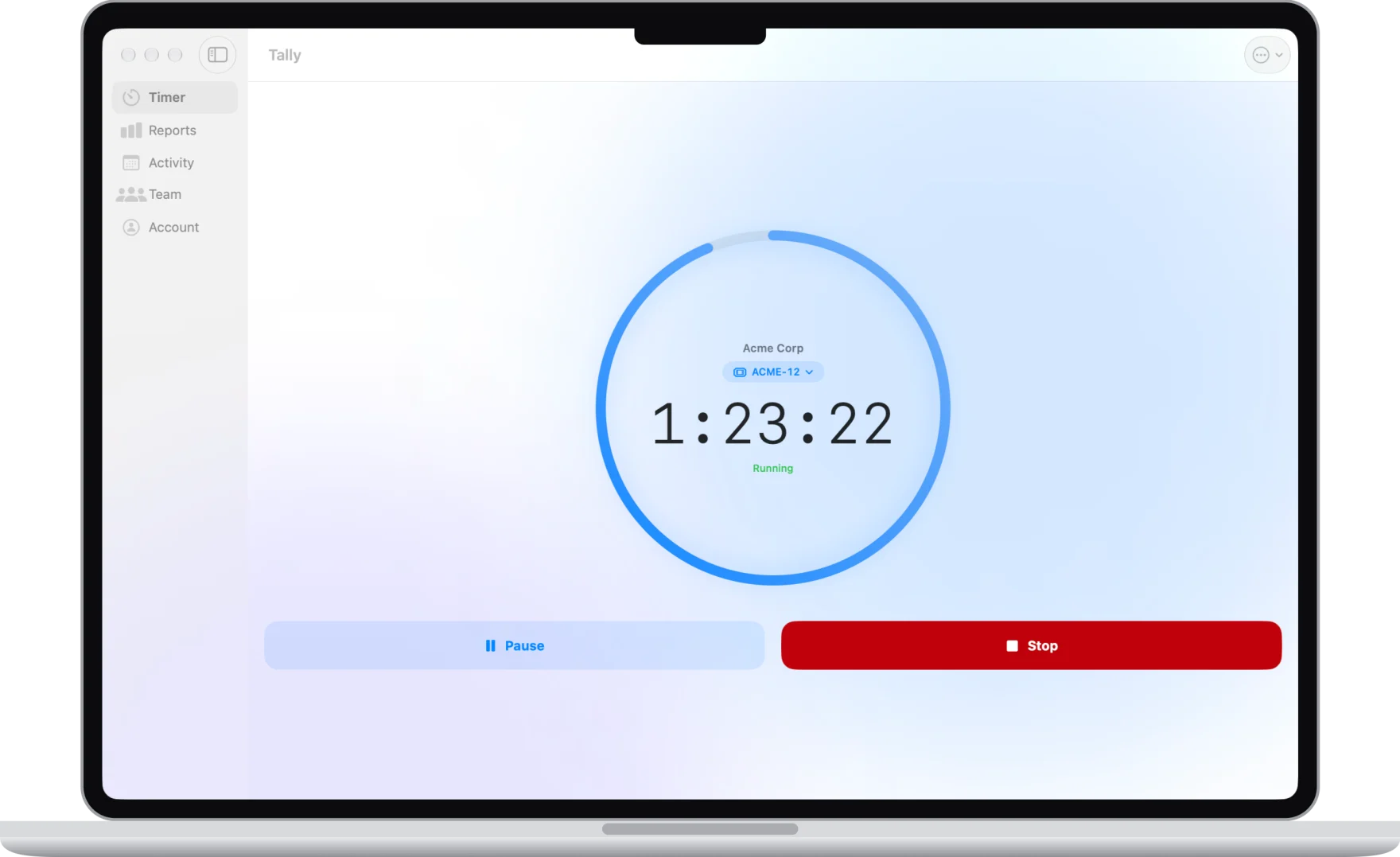
Developers who bill by the hour have the evidence already: tickets, commits and pull requests. What's usually missing is the time. Tally fills that gap without asking you to babysit a timer or install a screen recorder.
Start the timer on the ticket
Connect Jira or Linear, map projects or teams to clients, and your tickets show up on Track Time. Start a timer on one and, when you save, the hours go back to it: a Jira worklog, or a comment on the Linear issue, with your note and the commits you made during the session.
With GitHub connected, Tally can also move Jira tickets to In Review when you open a pull request that names them, and to Done when it merges.
Find the commits you didn't time
On Premium, connect GitHub or GitLab and pick a client for each repository. Commits and pull or merge requests with no session behind them show up as untracked work, with the hours worked out, and you add each one in a tap. Repositories that aren't client work can be set to Not tracked.
Tally reads your own commits and pull requests in the repositories you choose: the time, the first line of the message and any ticket key. It never reads or downloads your code, and it can't change anything on GitHub or GitLab.
The pull requests behind each hour
A client report link can show your session notes with the PRs and commits on their tickets, so a client who asks what twelve hours on SCRUM-12 bought can see it. Reports group hours by day and ticket, and export as a PDF.
Work from the terminal and your own tools
Start and stop timers from Terminal on a Mac with the Tally command-line tool, and run tally review to check local commits in any repository you've cloned. The Chrome extension adds a Start Tally timer button to Jira, GitHub issues and pull requests, and Linear. There's also an API with webhooks. All three are on Premium.
Start tracking in under a minute
Free plan with no time limit. No credit card required.
Sign up free →Common questions
- Does Tally read my code?
- No. The GitHub and GitLab connections read only your own commits and pull or merge requests in the repositories you choose: when you made them, the first line of the message and any ticket key. Tally can't download your code or change anything.
- Does it work with GitLab and Linear?
- Yes. Linear is on every plan, including Free. GitLab (gitlab.com) and GitHub are on Premium and work the same way: work with no session shows up as untracked time.
- What about repositories I don't own?
- GitHub only lets the owner or an organization admin add apps to a repository, so Tally gives you a page to send them that explains what it reads. Or use the command-line tool, which checks your local commits in any repository you've cloned.
- Can I use it on the free plan?
- Yes. Timers on Jira, Linear and Notion tickets, worklogs and client report links are free for up to 5 clients. Premium ($4.99 a month or $39.99 a year) adds GitHub and GitLab, the API, the command-line tool and the Chrome extension.